Your library on iCloud
Your pairs and photos sync through your own private iCloud. See how sync works on another iPhone.
Track every pair's wear with Apple Health.
For every shoe you train in. No account needed.
The app is available in 11 languages: Arabic, Brazilian Portuguese, English, French, German, Italian, Japanese, Polish, Simplified Chinese, Spanish and Ukrainian.
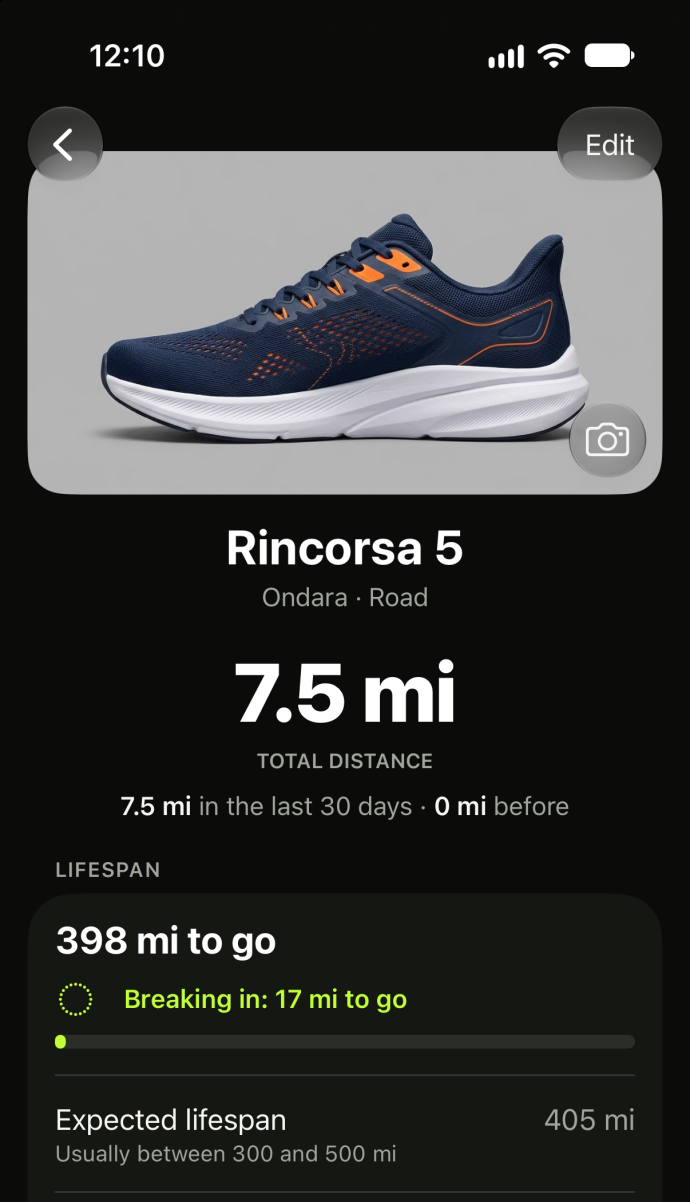
The moment it clicks
Add your pairs and roughly when you wore them. Worn In uses your Apple Health workouts to help reconstruct their history: review the matches and choose between overlapping pairs.
Free matches workouts from the last 30 days. With Pro, you can review and match earlier workouts too.
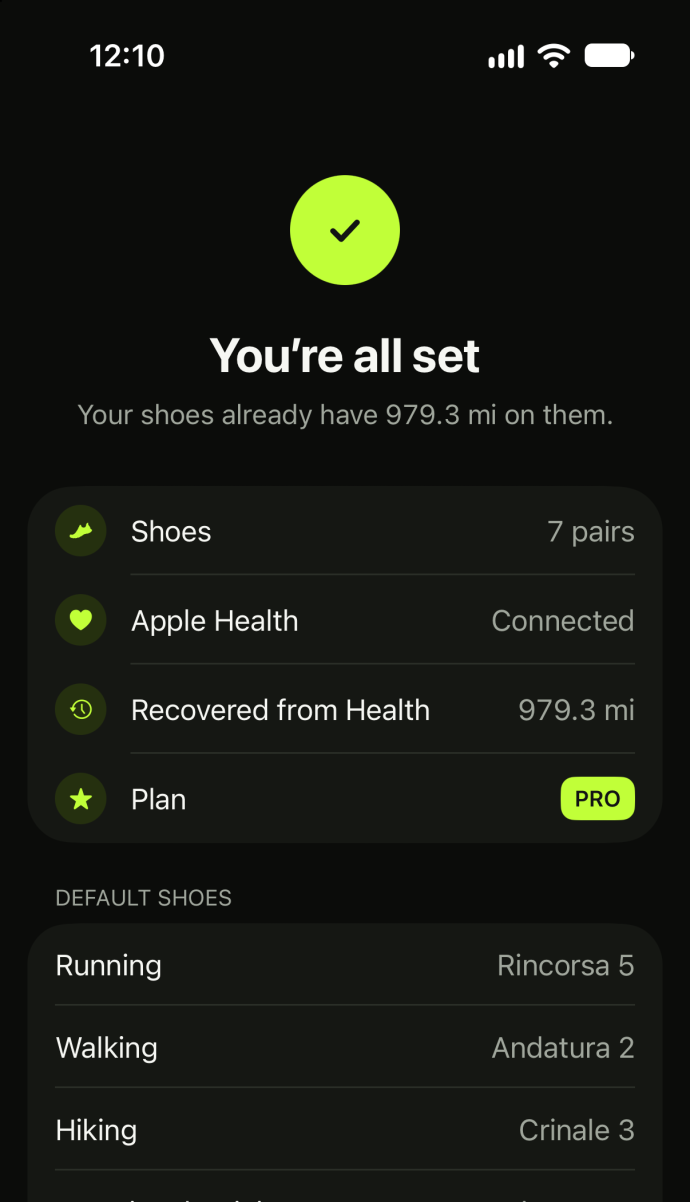
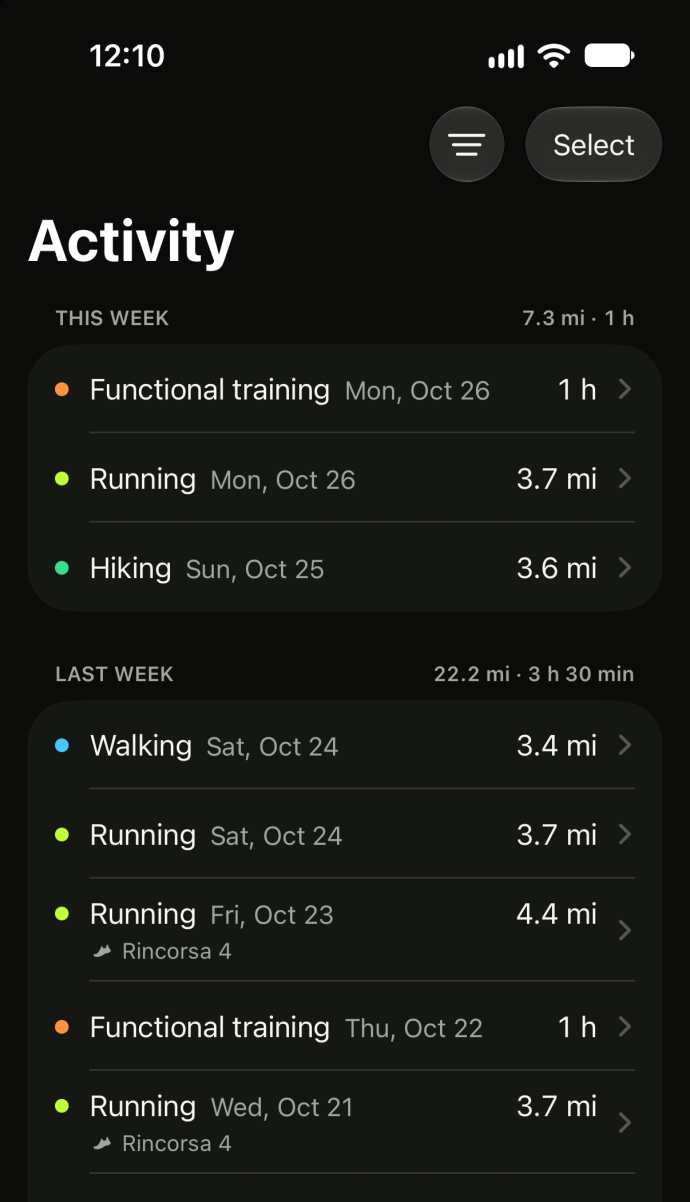
Less logging
Choose a default pair for each activity. New Apple Health workouts update that pair automatically.
Wore another pair? Change it in a few taps.
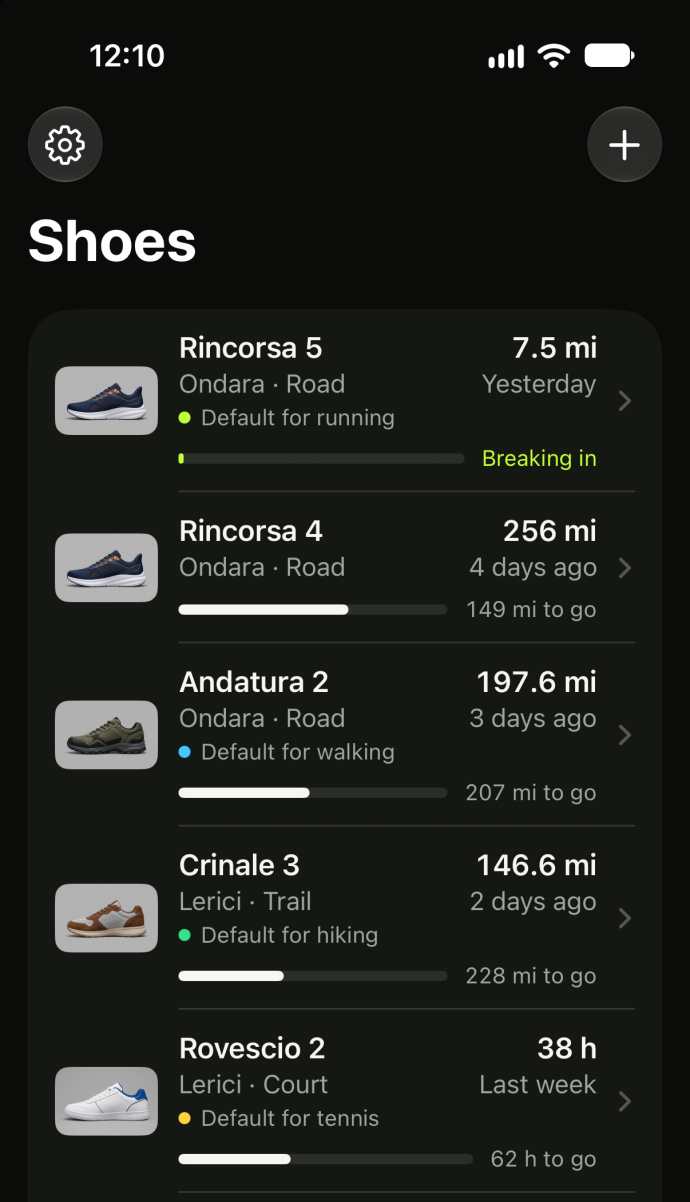
Every pair, remembered
See each pair’s distance or hours, recent use and workouts. Even identical pairs keep separate histories.
Adjust its expected lifespan to follow its progress. Lifespan and break-in are estimates, not measures of condition. Retire a pair when you’re ready; its history stays.
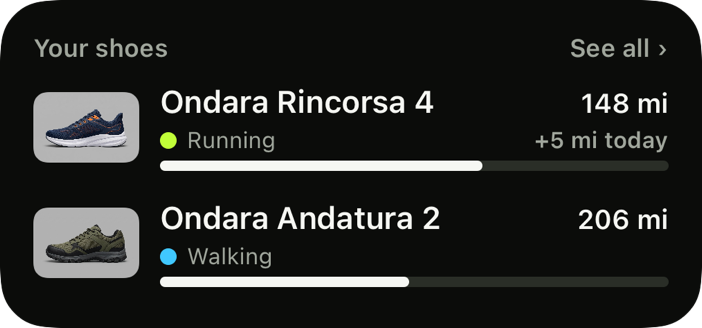
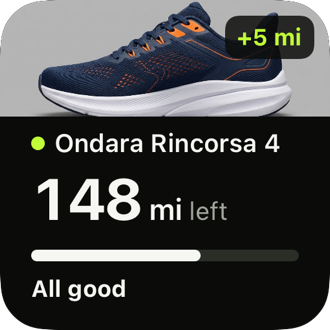
Widgets Free
See at a glance how much is left on your shoes.

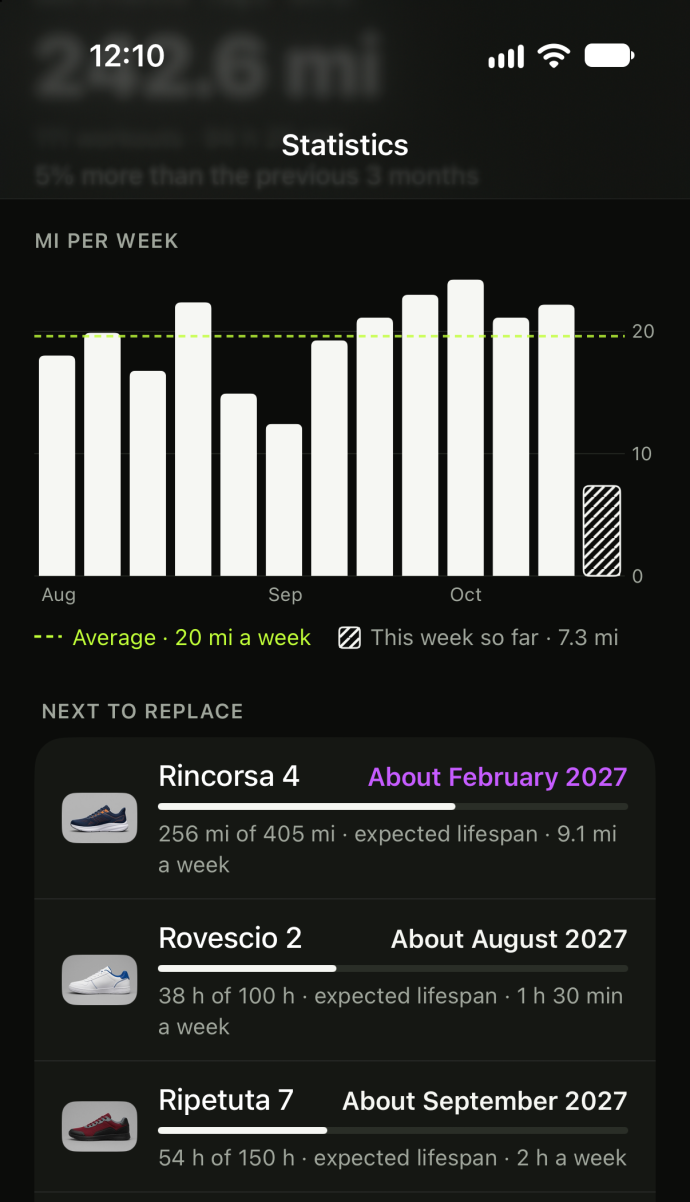
Statistics Pro
See your weekly distance, each pair’s share and estimated lifespan dates.
Based on each pair’s last six weeks of use, the estimates change with your pace. Everything is calculated on your iPhone.
Add a pair
Save a pair with just its brand.
Or scan its label on your iPhone.
Add a photo from your camera, library or the web.
Fit, translated Pro
Save the size of a pair that fits. With Pro, Worn In uses official charts from 18 brands to suggest your next pair’s size.
Your pair
EU 42.5
Fits wellIn another brand
EU 42⅔
Your starting sizeSaving size and fit is free. Fit can still vary between models.
Also in Worn In
Your pairs and photos sync through your own private iCloud. See how sync works on another iPhone.
Choose distance or time thresholds for a notification. You decide when to retire a pair.
Review earlier workouts and match them to the pairs you wore.
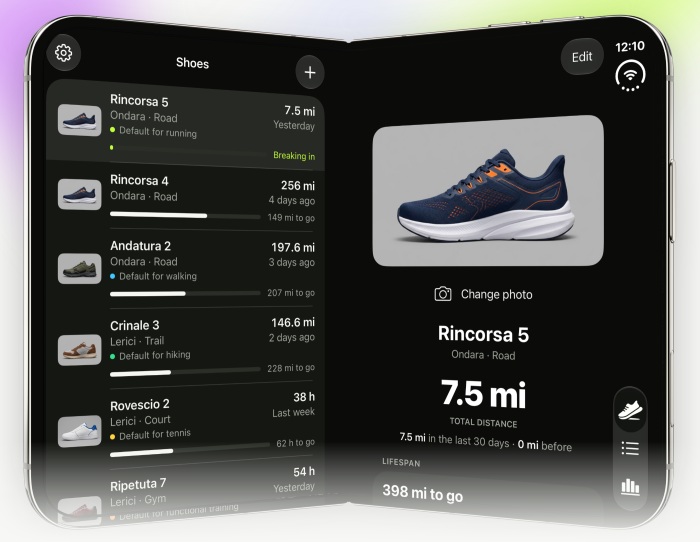
Open, your shoes and the selected pair sit side by side. Closed, it’s the iPhone layout you know.
Free and Pro
Track for free with no time limit. Pro adds earlier history, statistics, sizing and reminders.
Everything in Free, plus
Pro renews yearly until cancelled in your App Store account settings. See the price before subscribing. Cancel Pro and your pairs’ recorded totals stay. See the Terms of Use.
The details are in the Privacy Policy.
No. There is no Worn In account at all. Pro is an App Store subscription on your Apple Account.
From Apple Health: workouts recorded on Apple Watch, iPhone or another app that saves them there. Connect Apple Health to update your shoes’ distance.
Running, walking and hiking count kilometres or miles. If you turn on time-based activities, sports you do in shoes without a distance, such as tennis, basketball, the gym, HIIT or dance, count their time. Swimming, cycling and yoga are left out.
New workouts go to the default pair you set for each activity. You can change their pair. History matches are assigned only when you confirm. To move several workouts together, see Support.
Free matches workouts from the last 30 days, plus new ones. Earlier workouts are read onto your iPhone; with Pro, you can review and match them too.
Your pairs and everything already counted on them stay. You keep seeing and editing the last 30 days in detail. Statistics, sizes in other brands and reminders are no longer available until you subscribe again; your reminder settings are kept.
Lifespan and break-in are estimates. Distance alone can’t tell you a pair’s condition; how it looks and feels matters too. With Pro, choose a notification threshold in distance or hours. Notifications arrive without sound. Worn In never retires a pair for you.
Your pairs and photos sync through your private iCloud. Workouts come from Apple Health on each iPhone; reminder settings stay where you set them. See Support for syncing workout assignments.
With Pro, sizes are matched through the US size using each brand’s official chart. Treat the result as a starting point: fit can vary between models.
Both. Worn In follows your iPhone’s region settings.
An iPhone with iOS 27 or later.
Questions? See Support, or write to support@wornin.app.